Affiliate disclosure: GeniusDwell is a participant in the Amazon Services LLC Associates Program. If you buy through links on this page, we may earn a commission at no extra cost to you. It never changes which products make our list.
Most security companies sell the hardware cheap and the monitoring forever. The sensors cost a few hundred dollars once. The plan costs $20 or more every month, and within a couple of years the fees outweigh the equipment.
You can skip that bill. Several DIY kits work with no plan at all, and you handle the alerts yourself. The trade is real, though. A system with no plan texts your phone and sounds a siren. Nobody calls the police for you.
The best home security systems without monthly fee are all self-monitored. This guide from GeniusDwell covers five of them, what each one does for free, and what it holds back for paying customers. Prices come from the makers and major reviewers as of November 2026. They move with sales, so check the current price before you buy.
Only need cameras? Start with our guide on how to choose a security camera, or jump to our picks for outdoor cameras without a subscription.
Quick answer
The best all-round pick is SimpliSafe: a free tier with no contract, and you can add monitoring for a month when you travel. Abode gives you the richest free tier and the best smart home support. Wyze is the cheapest way in, and eufy suits you if you want cameras with local storage. Ring Alarm makes sense if you already live in the Ring app.
Quick verdict
Our top pick: SimpliSafe
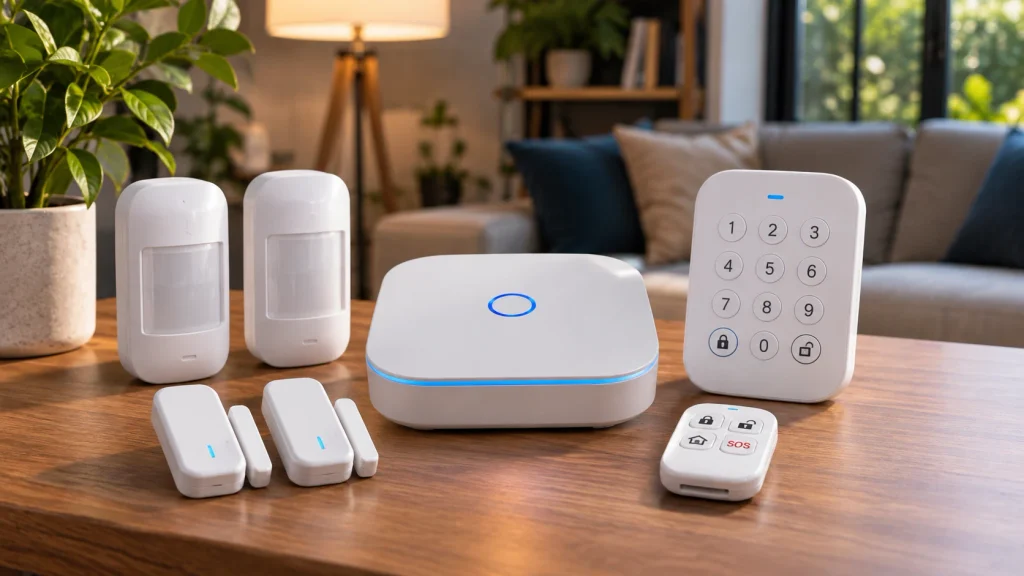
For most homes, SimpliSafe is the best home security system without a monthly fee. Its free plan covers app control, and the system is easy to grow over time. Abode gives away the most on its free tier, while Wyze Home Monitoring is the cheapest way in.
- Best overall
- SimpliSafe
- Best free tier
- Abode
- Cheapest way in
- Wyze Home Monitoring
What “no monthly fee” means for a security system
Every home security system without a monthly fee is self-monitored. When a door opens while the system is armed, the siren goes off and your phone gets an alert. What happens next is up to you. With professional monitoring, a call center sees the alarm and contacts you or dispatches help. That service is the part companies charge for.
Most of the brands below are month to month, so you can start free and add professional monitoring later, or only while you are away. That flexibility is the real reason to pick them over a contract-based provider.
What you give up without a plan
- Nobody dispatches police or fire for you. You see the alert and you make the call.
- Cellular backup is usually part of the paid tier. If your internet drops, a self-monitored system may go quiet even though the siren still works.
- Video recording often costs extra. Live view tends to stay free, but saved clips can sit behind a plan.
- You have to notice the notification. A phone on silent at 3 a.m. is a gap that no sensor fixes.
Best home security systems without monthly fee: comparison table
| System | Starting price (equipment) | What the free tier gives you | What costs extra |
|---|---|---|---|
| SimpliSafe | About $250 | App control, alerts, siren, live camera view | Video recording ($9.99/mo), professional monitoring (about $22/mo and up) |
| Abode | $150 list, often discounted | App control, live video, smart home integrations | Plans from $7/mo add recording, cellular backup, professional monitoring |
| Ring Alarm (8-piece) | $249.99 list | Local alarm, phone alerts, 24-hour battery backup | Cellular backup and professional monitoring need a Ring Protect plan |
| eufy HomeBase S380 + sensors | About $200 for the hub | Everything: local storage up to 16TB, AI detection, siren | Nothing required |
| Wyze Home Monitoring | $111.98 on sale for the Core kit | Self-monitored alerts and siren | Optional professional monitoring |
Our 5 picks for a home security system with no monthly fee
1. SimpliSafe: best overall
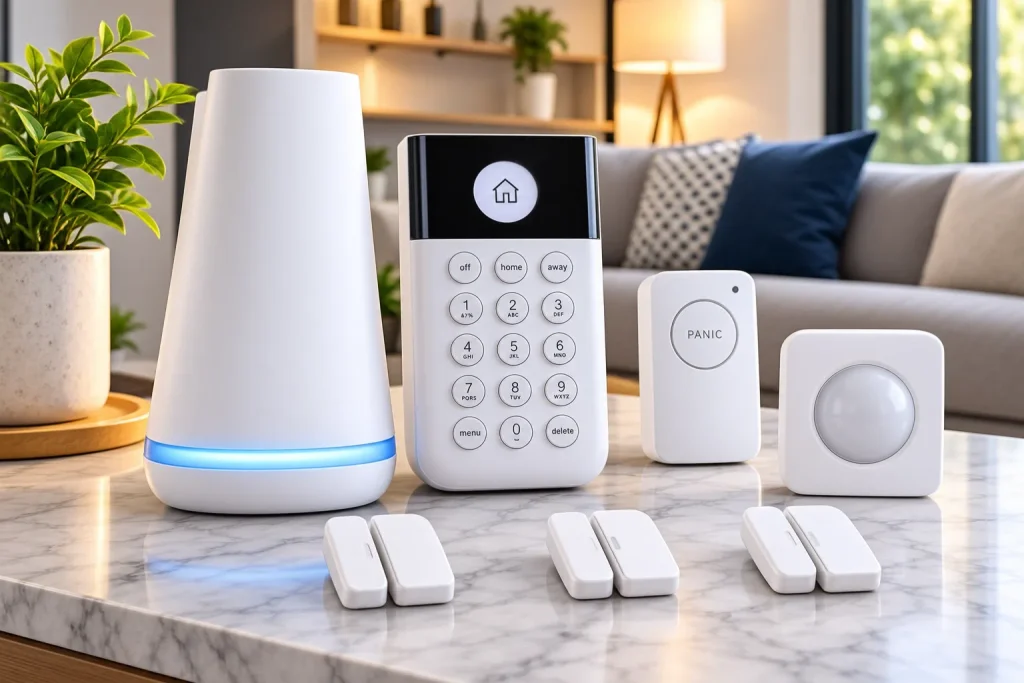
SimpliSafe designs its own hardware, and equipment packages start at about $250. The free plan covers app control, instant alerts and live camera streaming. SafeHome ranks it first among no-fee systems for that reason.
The limits are specific. Video recording is not part of the free plan, so a camera shows you what is happening but keeps nothing. Self-monitoring with camera recordings costs $9.99 a month, according to SafeWise’s 2026 cost breakdown. Professional monitoring starts around $22 a month. All plans are month to month, which makes SimpliSafe the easiest system here to scale up for a two-week vacation and scale back down afterward.
Pick it if you want one system you will not outgrow. Skip it if you need smart home automations, since the free tier does not offer much there.
2. Abode: best free tier and smart home support
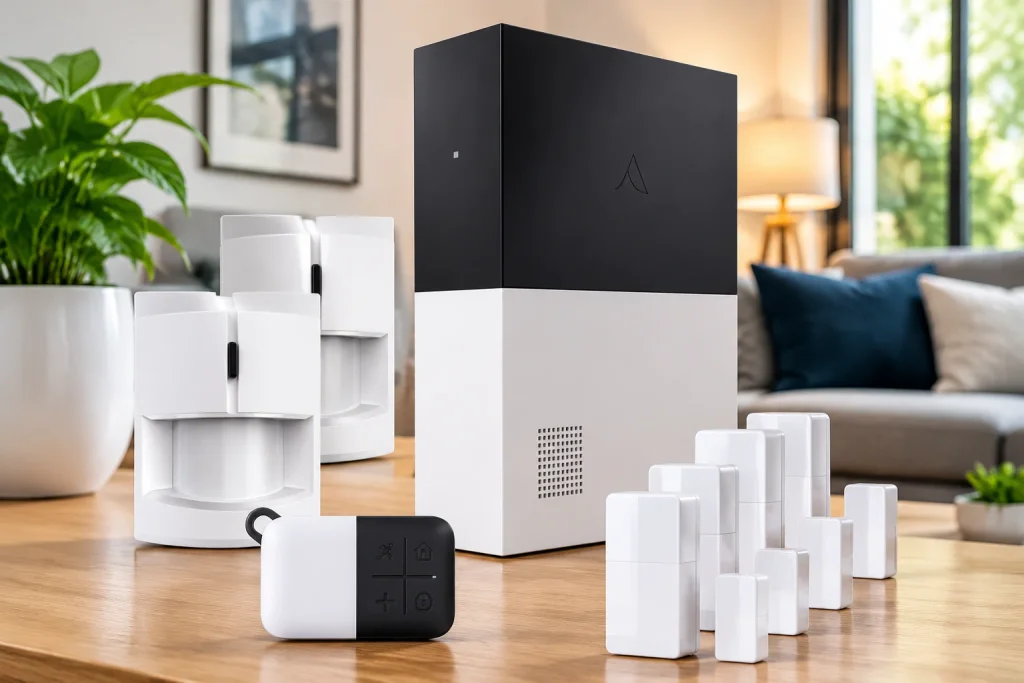
Abode gives away more than anyone else on this list. The free plan includes app control, live video streaming and smart home integrations. The base Security Kit lists at $150 and often goes on sale at half that. Abode also supports Z-Wave and Zigbee devices, plus HomeKit, Alexa and Google Assistant, so the hub can run smart locks, lights and thermostats too.
The iota kit is the step up. Its hub has a built-in 1080p camera, a motion sensor and a 93 dB siren, and the box adds one door and window sensor and a key fob. Paid plans start at $7 a month and add recording, cellular backup, AI detection and professional monitoring. Abode has no contracts, and there is no professional installation option, so you set it up yourself.
It suits renters and anyone building a wider smart home around one hub. The starter kits ship with few sensors, so budget for extra door sensors.
3. Ring Alarm: best if you already use Ring

The Ring Alarm 8-piece kit includes a base station, keypad, range extender, a motion sensor and four entry sensors, enough for a two or three bedroom home. It lists at $249.99 and drops to about $150 during big sales. Without a plan you still get the local alarm, phone alerts and a 24-hour battery backup in the base station.
Cellular backup and professional monitoring require a Ring Protect plan. One 2026 cost breakdown puts Protect Pro at $200 a year, so the fee returns fast if you turn it on. If you already run Ring cameras or a Ring doorbell, a single app for everything is a genuine convenience. If not, SimpliSafe and Abode give you more for free.
4. eufy HomeBase S380 system: best for cameras and local storage
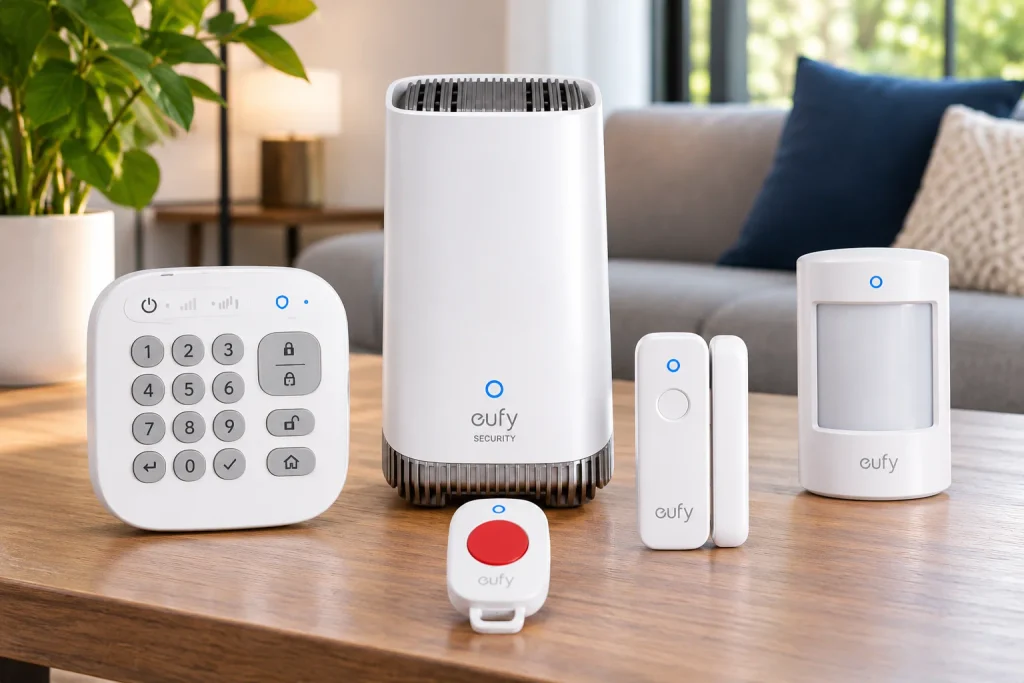
eufy takes a different route. The HomeBase S380 costs about $200 and ties your eufy cameras, entry sensors and motion sensors into one local system. It has 16GB of built-in storage, supports up to 16TB of expandable storage, and sounds a 100 dB siren when a connected device detects motion. There is no monthly fee for any of it.
Sensors run roughly $25 to $40 each, so the price climbs as you add doors. The system is built around self-monitoring. eufy is not the pick if you want the option of a call center later. It is the pick if footage that stays on your own hardware matters more than anything else. Our guide to outdoor cameras without a subscription covers the camera side in detail.
5. Wyze Home Monitoring: cheapest way in

Wyze’s Core Starter Kit has been listed at $111.98 on sale, down from $155.98. It includes the Sense hub, a keypad, a motion sensor and two entry sensors. The system is self-monitored by default, with an 88 dB siren. SafeWise found a roughly 10-hour battery backup.
Check two things before ordering. Wyze has changed its kit and plan bundles more than once, and stock has run out at times. SafeWise also notes that Wyze Home Monitoring does not work with Alexa or Google Assistant, even though many Wyze cameras do. If you already own Wyze cameras and want sensors on the cheap, it is a fair match. Otherwise Abode costs a little more and does much more.
What the monthly fee really costs over three years

A SimpliSafe kit at about $250 with professional monitoring at roughly $22.80 a month runs about $820 in fees over three years, or about $1,070 in total. Skip the plan and the total stays at $250. Add the $9.99 recording plan instead and you pay about $360 in fees for a $610 total, which is still far below full monitoring.
That gap is why many people run the free tier and upgrade only when they travel. The savings are real. So is the exposure while the plan is off.
How to choose
Renters and apartment dwellers should look at Abode’s iota kit, because the hub doubles as a camera and a siren. Households that want one system to grow with are better served by SimpliSafe. Anyone who wants video that never leaves the house should buy into eufy. A tight budget points to Wyze, as long as the bundle is in stock.
Whichever of these home security systems without monthly fee you choose, pair it with a doorbell that has no fees. Our picks for the best doorbell camera without subscription work alongside any of them, and our guide to security cameras without WiFi helps if your internet is shaky. You will find more in our home security guides.
Frequently asked questions
Do home security systems work without a monthly fee?
Yes. SimpliSafe, Abode, Ring Alarm, eufy and Wyze all run without a plan. The sensors, siren and phone alerts work. You give up professional monitoring, and often cellular backup and cloud video recording.
Will the police respond to a system with no monitoring?
Not automatically. Without professional monitoring, no one is watching your alarm. You get the alert and decide whether to call 911 or a neighbor.
What is the cheapest home security system with no monthly fee?
The Wyze Core Starter Kit, listed at $111.98 on sale, and the Abode Security Kit, listed at $150 and frequently discounted, are the lowest entry prices here. Both prices change often.
Can I add professional monitoring later?
On SimpliSafe, Abode and Ring Alarm, yes. Their paid plans are month to month with no long contract, so you can switch it on for a trip and off again. eufy is built around self-monitoring only.
What happens to a self-monitored system during a power or internet outage?
Battery backups keep the hub running, roughly 24 hours on Ring Alarm and about 10 hours on Wyze. If your internet is down too, the system cannot reach your phone unless you pay for cellular backup. The local siren still sounds.