Affiliate disclosure: GeniusDwell is a participant in the Amazon Services LLC Associates Program. If you buy through links on this page, we may earn a commission at no extra cost to you. It never changes which products make our list.
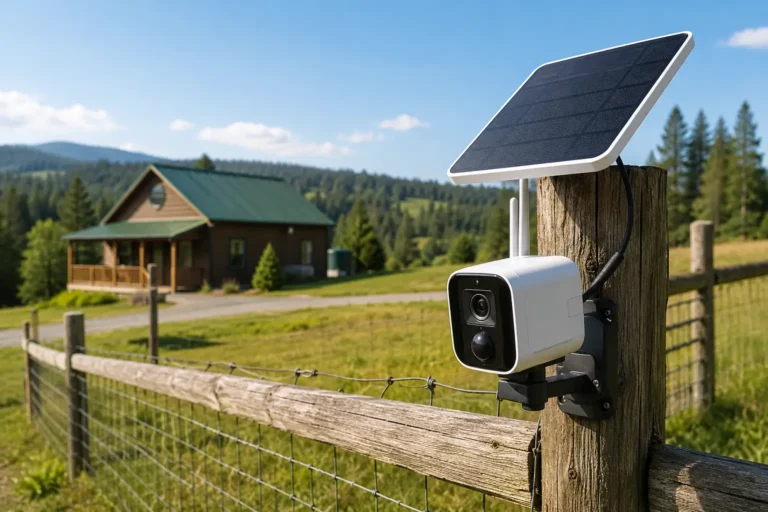
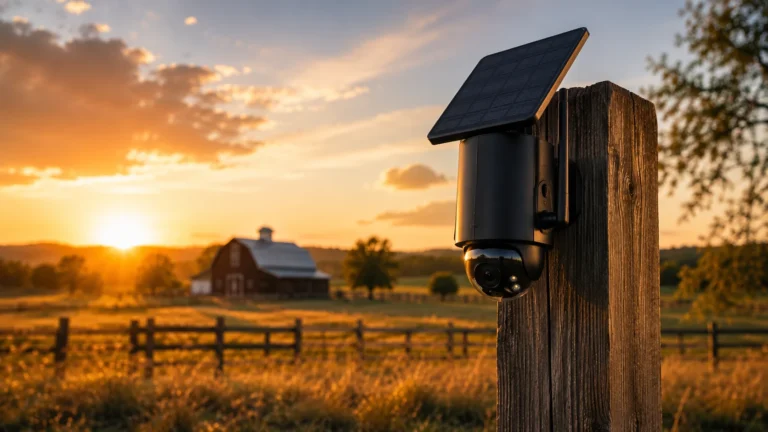
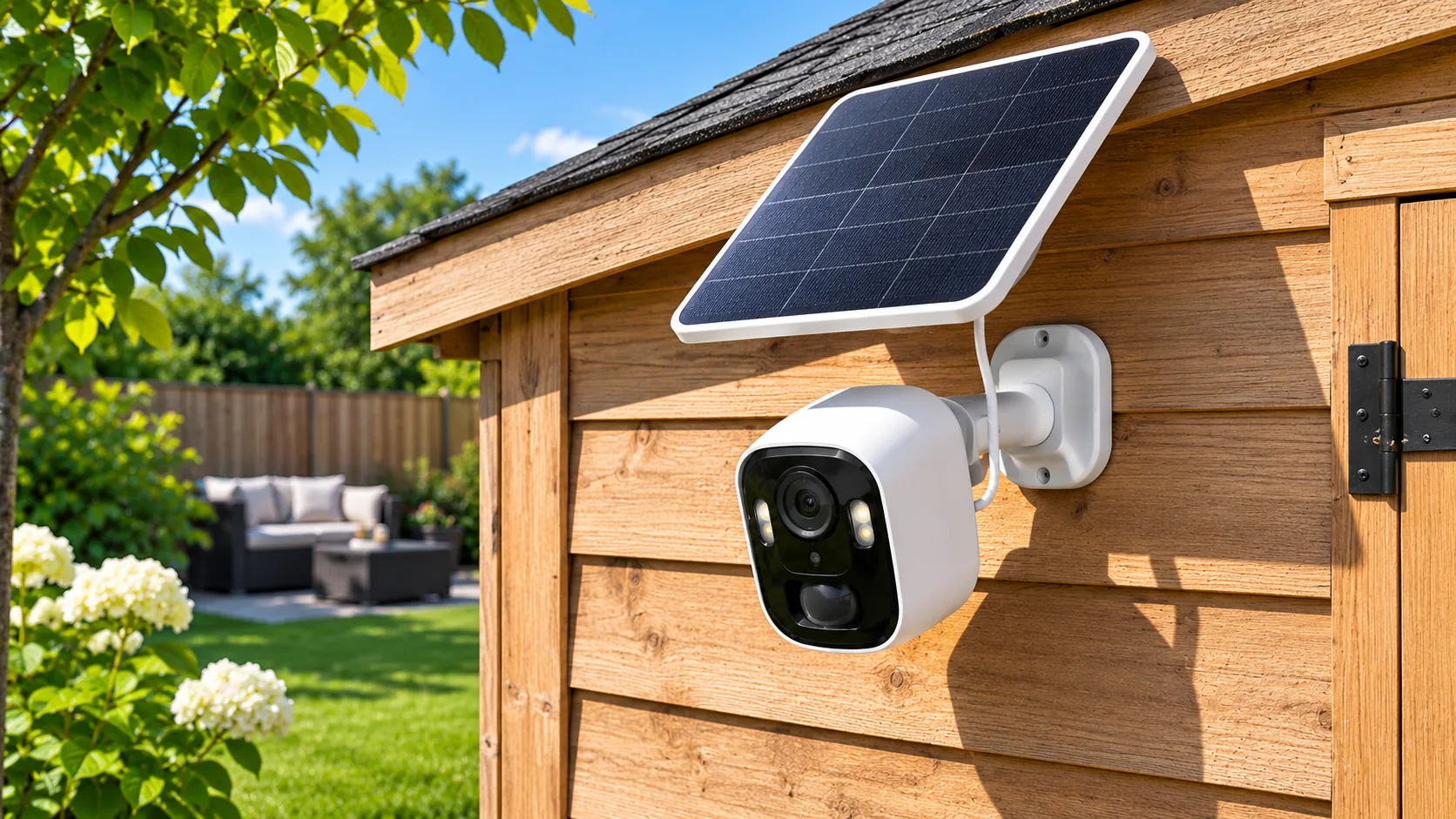
A solar powered security camera sounds like the end of a familiar chore. No more climbing a ladder every few weeks to pull down a dead camera, no more running an extension cord to the back fence. Mount it, aim the panel at the sky, and forget about it.
That promise is mostly true, with one catch most listings skip: the sun does not shine equally on every house. A camera that runs forever on a garage in Phoenix can quietly die in December on a north-facing porch in Ohio. The difference has less to do with the brand and more to do with panel size, battery capacity and where you put the thing.
This guide covers five cameras that hold up, what each one costs to own after the box is open, and how to tell before you buy whether solar will actually keep up at your address.
⚡ Quick answer
The best solar powered security camera for most homes is the Reolink Argus 4 Pro with its 6W solar panel: a 180-degree view, a 5,000mAh battery and free local recording. On a budget, the Tapo C460 Kit gives you 4K and a 10,000mAh battery for under $100. Either way, the panel needs a few hours of direct sun daily.
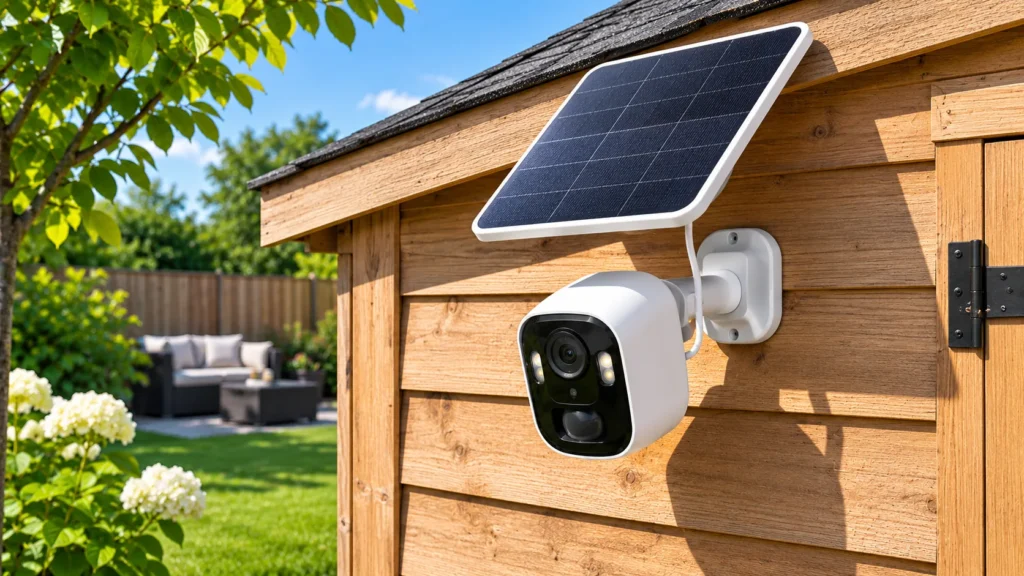
Table of Contents
Quick verdict
Our top pick: Reolink Argus 4 Pro with Solar Panel 2
For most homes, the Reolink Argus 4 Pro with Solar Panel 2 is the best solar powered security camera. The eufy SoloCam S340 is the pick if you want pan and tilt, and the Wyze Solar Cam keeps the cost lowest. Every one of them still needs decent direct sun to stay charged.
- Best overall
- Reolink Argus 4 Pro + Solar Panel 2
- Best pan and tilt
- eufy SoloCam S340
- Best budget
- Wyze Solar Cam
Do solar powered security cameras actually work?
Yes, as long as you understand what the panel is doing. It does not run the camera directly. It trickle-charges a built-in battery during daylight, and the battery runs the camera around the clock, including at night.
Think of it like a bucket with a small hole in the bottom. The camera drains a little power all the time and a lot more each time it wakes up to record. The panel refills the bucket. If the refill is faster than the drain over a typical week, the battery stays topped up indefinitely. If it isn’t, the battery slowly runs down and you’re back to charging it by hand.
What a solar camera is good at
- Places with no outlet: fences, sheds, barns, detached garages, the far end of a driveway.
- Renters: no drilling into siding for power, and the camera leaves with you.
- Event-based recording: clips that start when motion is detected, which is how most people use outdoor cameras anyway.
What it can’t do
None of the cameras below record 24/7 on solar power. Continuous recording draws far more than a small panel can replace, and manufacturers either disable it on battery or require a constant plug-in connection for it. If you need a full timeline of every hour, a wired system is the right tool. Our guide to PoE security camera systems explains that route.
Solar cameras also still need a network. Every pick here connects over Wi-Fi, so the spot you mount it needs a usable signal. If it doesn’t, read our guide to cellular security cameras, many of which pair a 4G modem with a solar panel.
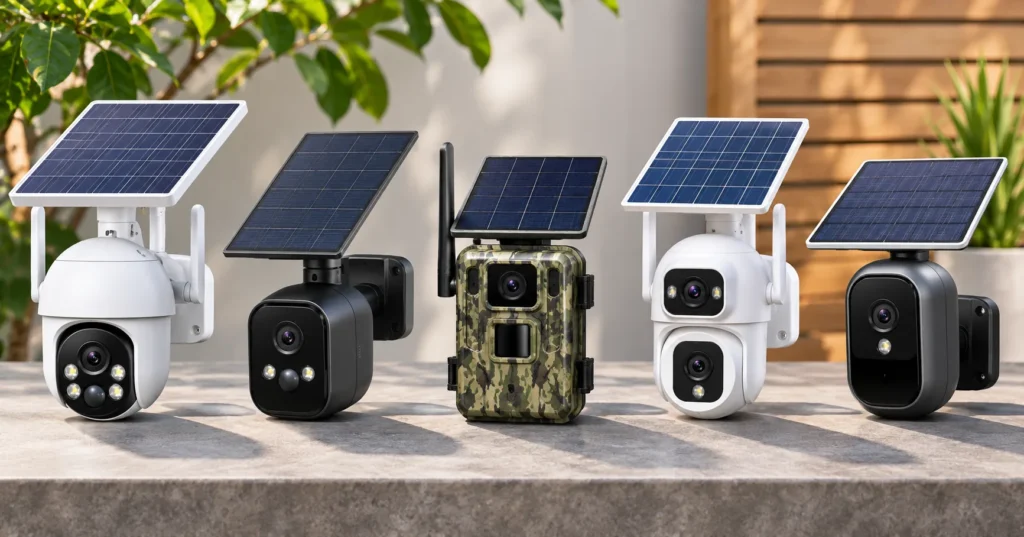
Comparison: solar security cameras at a glance
| Camera | Resolution | Battery / panel | Local storage | Wi-Fi | Typical price |
|---|---|---|---|---|---|
| Reolink Argus 4 Pro + Solar Panel 2 | 4K-class dual lens, 180° | 5,000mAh / 6W | microSD to 512GB | 2.4 + 5GHz (Wi-Fi 6) | About $150 to $165 on sale |
| eufy SoloCam S340 | 3K wide + 2K telephoto | Built-in / 2.2W | 8GB built-in, HomeBase S380 | 2.4GHz only | $219.99 list, often less |
| Tapo C460 Kit | 4K | 10,000mAh / panel included | microSD to 512GB | 2.4 + 5GHz | About $95 |
| Wyze Solar Cam | 2K | Built-in / panel included | microSD to 256GB | 2.4GHz | About $70 |
| Ring Outdoor Cam Plus Solar | 2K | Battery pack / panel included | None (cloud only) | Wi-Fi | About $140 |
Prices in this category swing with every sale event, and two-packs are often a better deal per camera. Treat the figures as a bracket, not a quote.
The 5 best solar powered security camera picks
1. Reolink Argus 4 Pro with Solar Panel 2: best overall
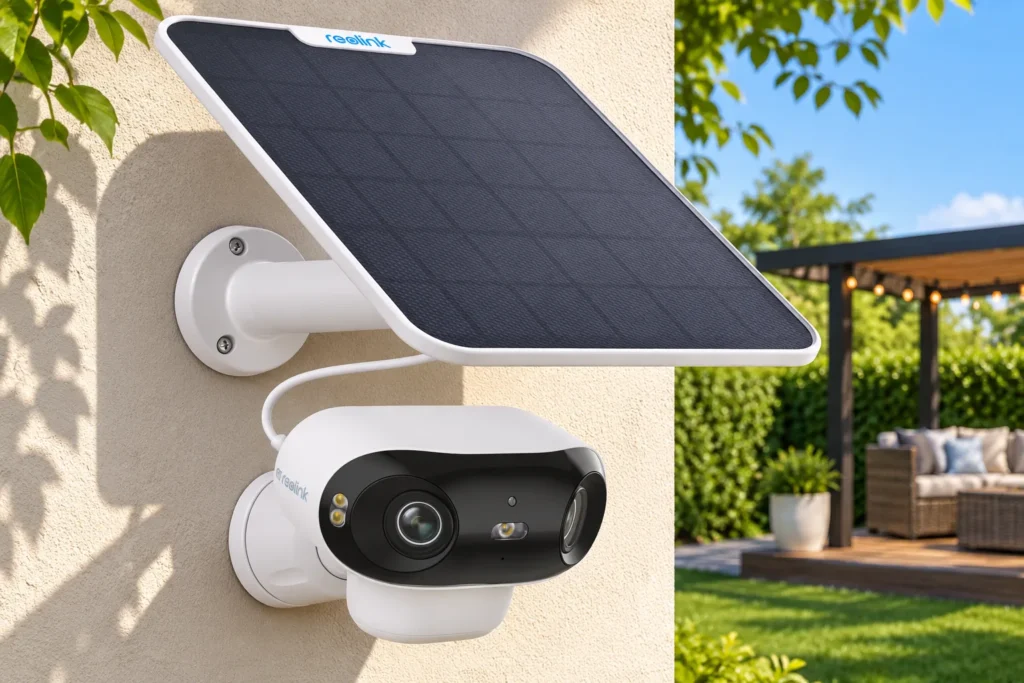
The Argus 4 Pro solves the biggest weakness of most battery cameras, which is a narrow view. Two lenses are stitched into a single 180-degree image at 5120 x 1440, so one camera mounted at a corner of the house covers the whole side yard without blind spots on either edge.
Power is where it earns the top spot. The 5,000mAh battery pairs with Reolink’s 6W Solar Panel 2, the largest panel on this list. More wattage means more margin on cloudy weeks and short winter days, which is exactly when smaller panels fall behind.
Recordings go to a microSD card of up to 512GB with no monthly fee, and the camera handles person, vehicle and animal detection on its own. It also supports both 2.4GHz and 5GHz Wi-Fi 6, which helps if your router is close enough for the faster band. The housing is rated IP66.
Where it falls short: video runs at 15 frames per second, so fast movement looks slightly choppy. The battery is not removable. Reolink sells the camera with or without the panel, so make sure the listing you buy says “Solar Panel” in the bundle. And Reolink’s own support documentation notes that its 6W panel stops charging below 32°F, which matters in the northern half of the country (more on that below).
2. eufy SoloCam S340: best pan-and-tilt solar camera
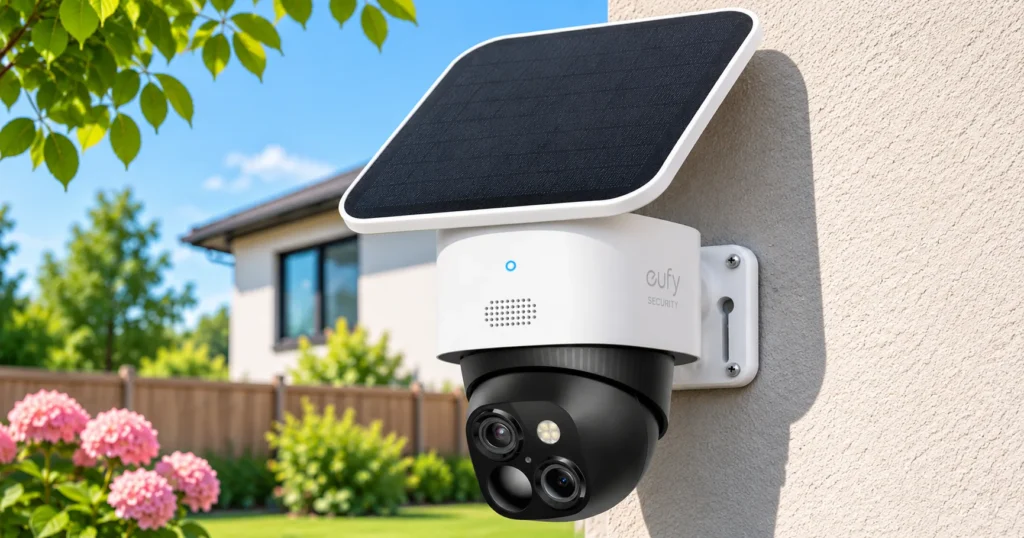
Most solar cameras stare at one fixed angle. The S340 moves. It pans 344 degrees and tilts between 10 and 70 degrees, and it carries two lenses: a 3K wide-angle for the overview and a 2K telephoto that eufy rates for clear detail at around 40 feet, with up to 8x hybrid zoom.
The 2.2W panel can sit directly on top of the camera or connect by cable, so you can put the camera where the view is and the panel where the sun is. eufy rates the battery at about three months without any solar input, based on 300 seconds of recording a day.
Storage is the other selling point. Clips save to 8GB of built-in memory, no card required, and the camera works with eufy’s HomeBase S380 if you want far more room and features like familiar-face recognition. No subscription is required for local recording or detection. eufy’s optional cloud plan is $15 a month.
Where it falls short: it connects on 2.4GHz only, which is fine for range but can be crowded in dense neighborhoods. The panel is smaller than Reolink’s, so placement matters more. And eufy lists it as weather-protected without a published IP rating.
3. Tapo C460 Kit: best value solar security camera
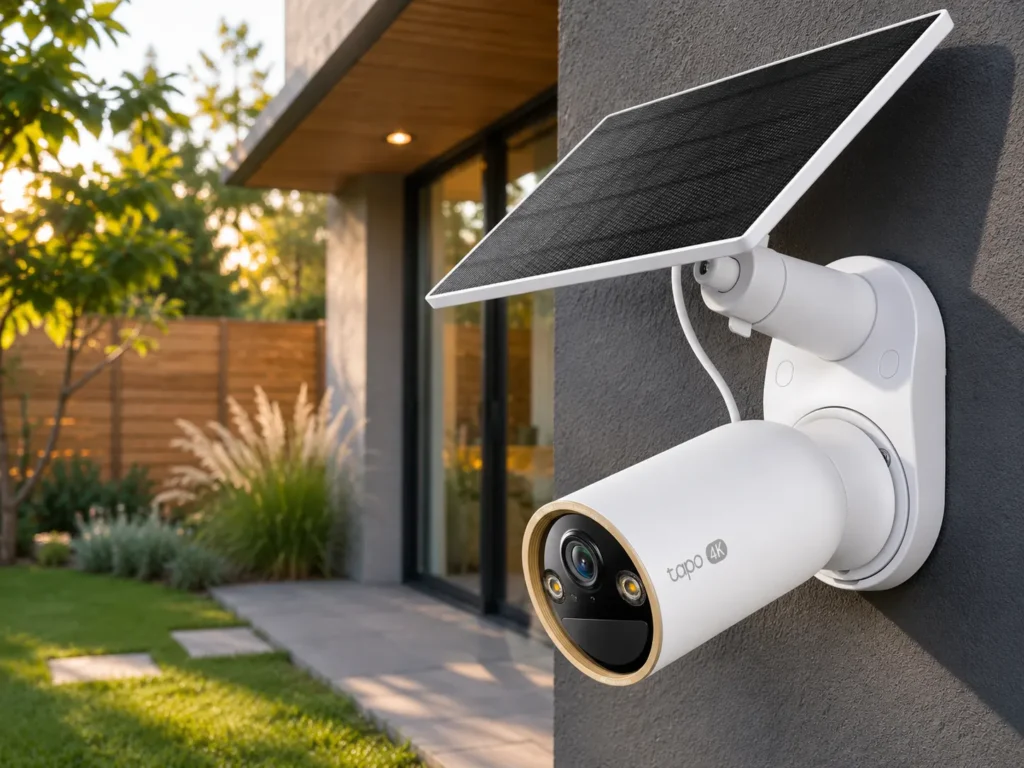
For under $100, the C460 Kit (sold as the MagCam 4K) brings two things that usually cost more: 4K resolution and a 10,000mAh battery, twice the capacity of our top pick. That large battery is a real advantage in solar setups, because it rides out long stretches of gray weather before the panel has to catch up.
It records to a microSD card of up to 512GB, connects on both Wi-Fi bands, and carries an IP66 rating. It detects people, animals and vehicles, with adjustable detection zones and range. The magnetic mount makes it easy to reposition while you hunt for the best angle.
Where it falls short: the camera and panel share a single mount, so the spot has to suit both the view and the sun. Like the Reolink, it records at 15fps. Picture previews in notifications need a Tapo Care subscription, facial recognition needs Tapo’s separate H500 hub, and there is no Apple HomeKit support. Tapo does not publish the panel’s wattage.
4. Wyze Solar Cam: best budget solar camera
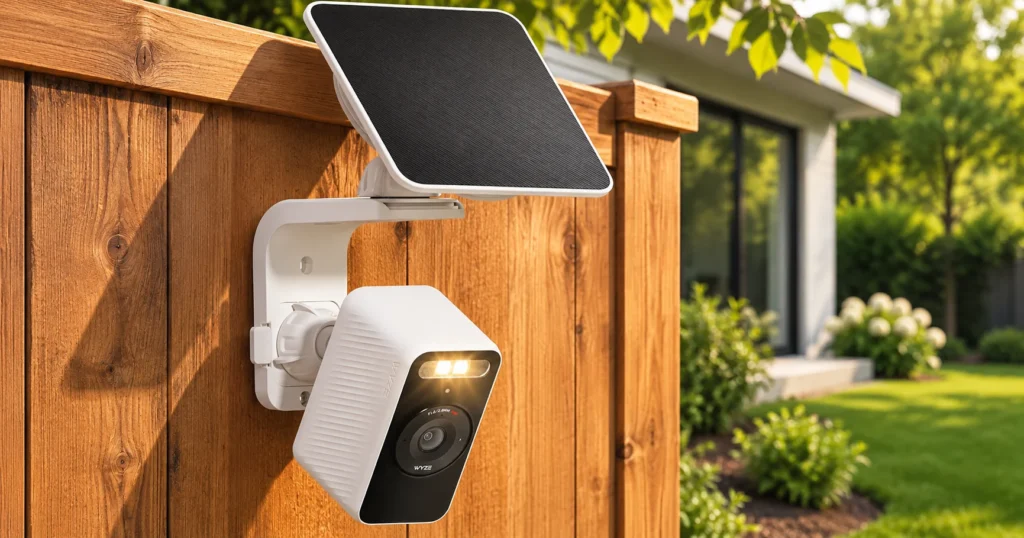
At about $70 with the panel in the box, this is the cheapest way to try solar without settling for junk. You get 2K video, color night vision from a starlight sensor, an IP65 rating, and microSD recording up to 256GB with no subscription required.
Wyze says the battery can run up to four months with no solar charging at all, which gives you plenty of room for error on placement. Setup happens over Bluetooth in the Wyze app, which is about as painless as it gets.
Where it falls short: smart detection and cloud history require a Cam Plus or Cam Unlimited plan, so the free tier is more basic than Reolink’s or Tapo’s. It connects on 2.4GHz only. Wyze has also had documented security incidents in the past, a history worth weighing before you buy, as we noted in our nanny cam guide.
5. Ring Outdoor Cam Plus Solar: best for Ring and Alexa homes
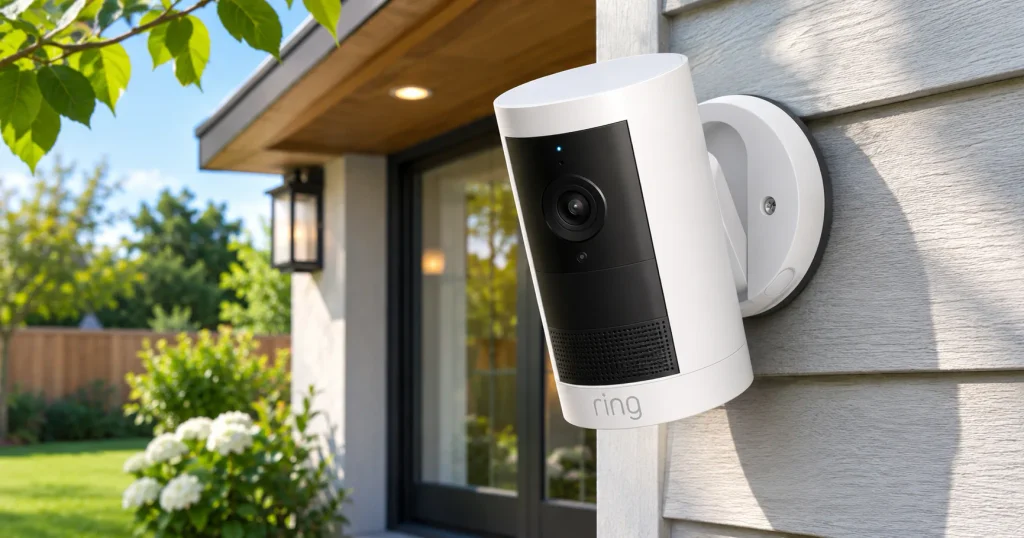
If you already own a Ring doorbell or alarm, this is the camera that fits in without a second app. The Outdoor Cam Plus records in 2K, and the solar version ships with Ring’s USB-C solar panel in the box. Everything shows up in the same Ring timeline as your other devices, and it works naturally with Alexa and Echo Show screens.
Ring also has the most polished app on this list, and with a plan, motion clips are kept for up to 180 days.
Where it falls short: this is the one pick that does not work as a standalone recorder. Ring states plainly that without a Ring Protect plan, videos and photos are not saved. You can watch live and get alerts, but nothing is stored, and there is no SD card slot. Budget for the subscription as part of the price. If you want a camera you pay for once, start with the first four picks or our list of outdoor security cameras without a subscription.
Will a solar security camera work where you live?
This is the question competing guides rarely answer, and it decides whether you’ll love the camera or end up charging it by hand anyway. Four things matter.
1. How much direct sun the panel gets
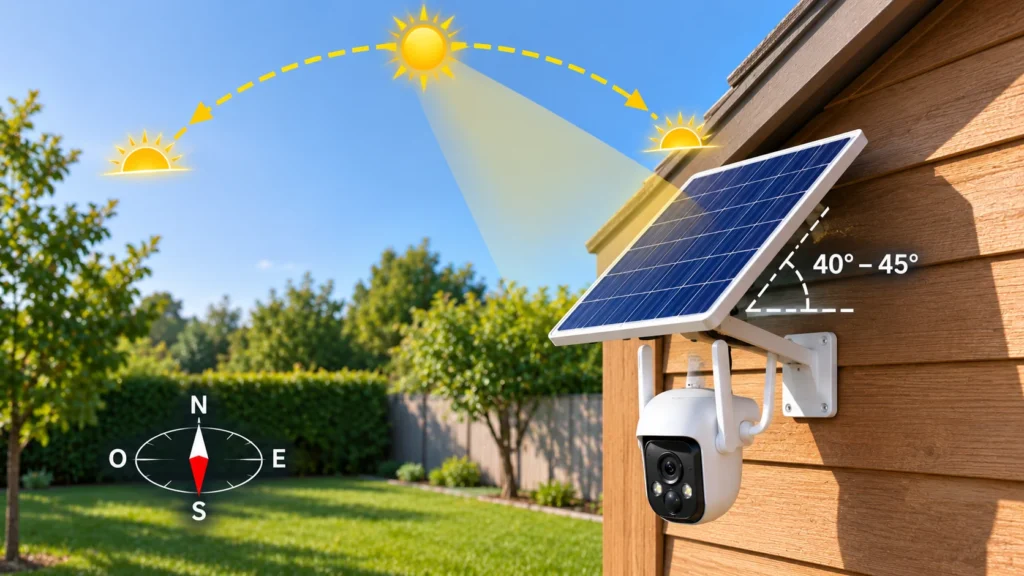
Solar panels respond to direct sunlight, not daylight. A panel under an eave or in the shadow of a tree for most of the day produces a fraction of its rating. As a practical rule, look for a spot that gets at least a few hours of direct sun on a normal day, and more if you live somewhere cloudy.
Geography plays a big role. The desert Southwest gets dramatically more usable sun than the Pacific Northwest or the Great Lakes, especially in winter. The National Renewable Energy Laboratory’s solar resource maps show how your region compares. If you’re in a low-sun area, favor the cameras with the largest batteries and panels on this list.
2. Winter, and the freezing-point problem
Shorter days and a lower sun angle already cut solar output in winter. Cold adds a second issue that surprises people: lithium-ion batteries generally should not be charged below freezing. Reolink’s support documentation says its standard panels charge between 32°F and 113°F, and that charging can pause below freezing to protect the battery.
In practice, a camera in Minnesota may run on its battery reserve for days during a cold snap, even in full sun. A large battery buys you time. Other brands publish operating temperature ranges (the eufy S340 and Wyze Solar Cam both list -4°F to 122°F) but operating and charging are not the same thing, so plan for slower winter charging with any brand.
3. Panel angle and direction
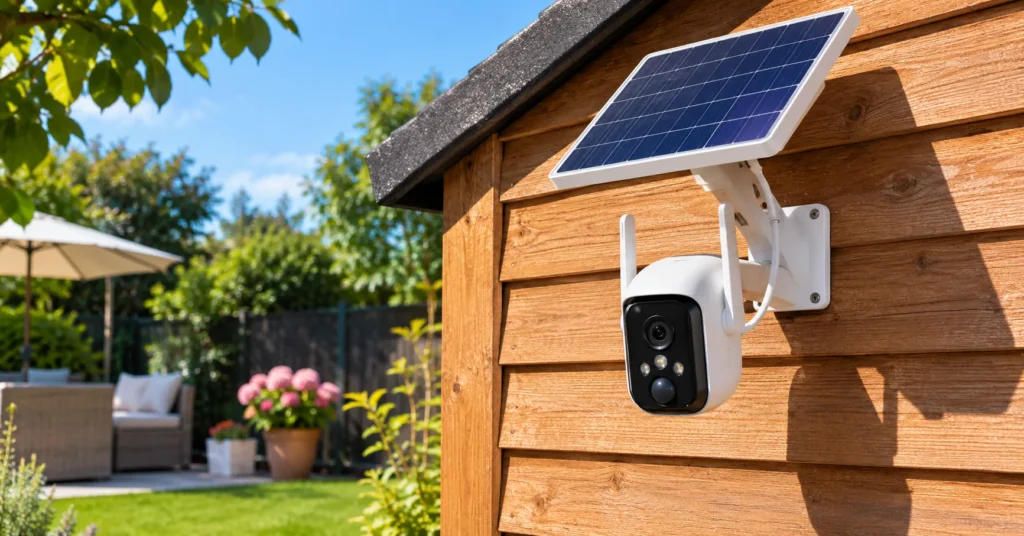
In the US, point the panel south. Reolink recommends a tilt of roughly 40 to 45 degrees for year-round use, or your local latitude plus five degrees. Don’t lay it flat: horizontal panels collect dust, leaves and snow.
4. How busy the camera is
A camera facing a quiet backyard might wake up ten times a day. The same camera aimed at a sidewalk or a busy street can wake up hundreds of times, and every clip, live view and siren draws from the battery. Activity zones and person-only detection are your best tools to keep the drain in check.
How to install a solar security camera for maximum charge
- Charge the battery fully indoors first. The panel is built to maintain a charge, not to fill an empty battery quickly.
- Test the Wi-Fi signal at the exact mounting spot. Stand there with your phone and check the connection. A weak signal makes the camera work harder and drains the battery faster.
- Watch the sun for a day. Note when the spot is in shade. Morning shade is easier to live with than all-afternoon shade.
- Separate camera and panel if needed. Mount the camera where the view is, and run the cable to wherever the panel gets the most sun. Reolink advises against extensions longer than 30 feet total, since long cables lose voltage.
- Aim the panel south at 40 to 45 degrees. Tighten the bracket so wind can’t knock it off angle.
- Set activity zones and person detection. Exclude the street, swaying trees and the neighbor’s driveway.
- Check the battery graph after two weeks. Most apps show charge history. A level or rising line means you’re set. A steady decline means you need more sun or fewer triggers.
Solar vs. battery vs. wired vs. cellular cameras
Solar is one of four ways to power an outdoor camera. Here’s how they compare.
| Power type | Best for | Main trade-off |
|---|---|---|
| Solar + battery | Spots with no outlet but good Wi-Fi and sun | No 24/7 recording; depends on sunlight |
| Battery only | Quick installs, low-traffic areas | Manual recharging every few weeks or months |
| Wired / PoE | Continuous recording, whole-home systems | Cables to run; harder to install |
| Cellular + solar | Farms, cabins, job sites with no Wi-Fi | Data plan required |
If your mounting spot has no Wi-Fi at all, see our guides to security cameras without Wi-Fi and cellular cameras. For a long driveway, our driveway camera picks include several solar-friendly options. And for the full range of camera types, start at our security camera hub.
Mistakes that kill the battery
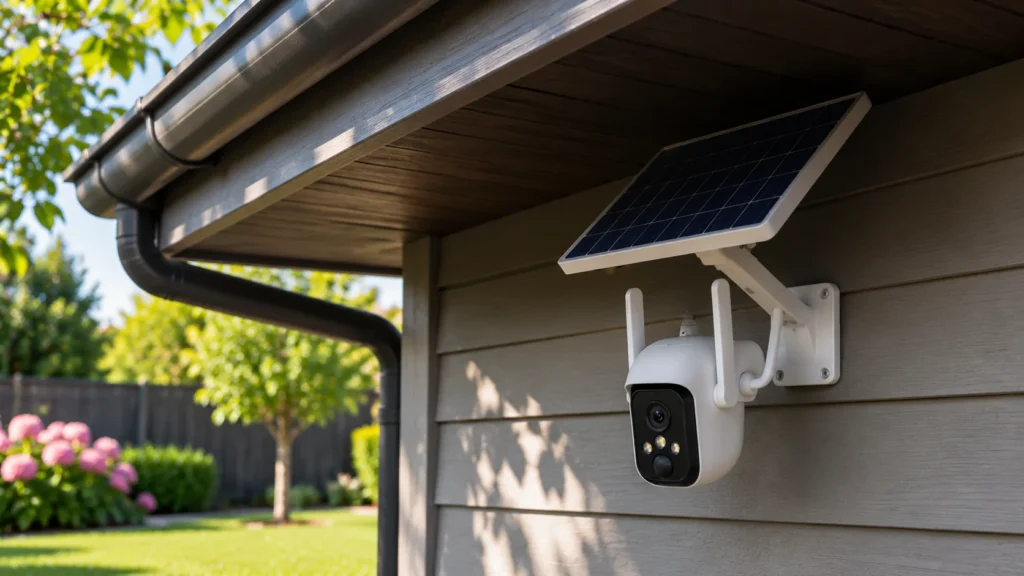
- Mounting the panel under the eaves. It looks tidy and it’s the most common reason a solar camera dies.
- Pointing the camera at the street. Every passing car is a recording. Use activity zones.
- Leaving live view open. Streaming is one of the biggest power draws. Check in, then close the app.
- Ignoring the panel after installation. Pollen, dust and bird droppings cut output. Wipe it with a dry cloth a few times a year.
- Buying the camera without the panel. Several models sell both ways under nearly identical names. Check the bundle before you check out.
- Forgetting the subscription. A camera that needs a monthly plan to save clips costs more than its sticker price over a few years.
How we picked
We did not physically test these cameras. Every specification here comes from the manufacturer’s official product page or support documentation, cross-checked against independent reviews and current US retail listings. We ruled out models whose US availability we could not confirm, and kept cellular cameras for their own dedicated guide.
Our criteria, in order: a solar panel included or offered as an official bundle, a battery large enough to cover cloudy stretches, local storage without a required subscription, and a brand with a track record of firmware updates. Ring made the list as the one exception on storage, because it’s the most practical choice for households already in its ecosystem, and we flag that cost clearly.
Final verdict
For most homes, the Reolink Argus 4 Pro with its 6W panel is the solar powered security camera to buy. It pairs the biggest panel on this list with a 180-degree view and free local storage. If budget comes first, the Tapo C460 Kit gets you 4K and the largest battery here for under $100. Want a camera that follows motion? The eufy SoloCam S340 is the one. And if your house already runs on Ring, the Outdoor Cam Plus Solar fits in, as long as you budget for the plan.
Whichever you pick, the panel’s spot matters as much as the camera. Give it direct sun, angle it south, and keep detection tight, and you can leave the ladder in the garage. For more ways to protect your property, explore our home security guides or browse everything GeniusDwell covers in the smart home world.
FAQ
Do solar security cameras need direct sunlight?
Yes. The panel charges well only in direct sun, and output drops sharply in shade or under an overhang. Aim for a few hours of direct sunlight on a typical day. Daylight alone is not enough, so avoid north-facing walls and spots shaded by trees or eaves for most of the day.
Do solar powered security cameras need Wi-Fi?
Most do. Solar solves the power problem, not the connection problem, and every camera in this guide connects over Wi-Fi. If the mounting spot has no signal, look at cellular solar cameras, which use a 4G data plan instead, or extend your network with a mesh node or outdoor access point.
Do solar security cameras work in winter?
They work, but charging slows. Days are shorter, the sun sits lower, and lithium-ion batteries generally don’t charge below freezing. Reolink’s standard panels pause charging below 32°F. A camera with a large battery can ride out cold snaps on its reserve, so favor bigger batteries if you live up north.
Do solar cameras work at night?
Yes. The panel charges a built-in battery during the day, and the battery powers the camera at night. All five picks offer night vision, and several use color night vision or a spotlight. Night recording draws from the battery, so busy nights slightly increase how much sun the panel needs.
Can a solar powered security camera record 24/7?
Generally no. Continuous recording uses far more power than a small solar panel can replace, so solar cameras record motion-triggered clips instead. Some models only allow 24/7 recording when plugged into constant power. If you need an uninterrupted timeline, a wired or PoE camera system is the better choice.
Are solar powered security cameras worth it?
For spots without an outlet, usually yes. They remove the chore of recharging batteries and install without wiring. They’re less worth it in heavy shade, very low-sun regions, or locations with constant motion. Check your sun exposure and Wi-Fi signal first, and pick a model with local storage to avoid monthly fees.
Do solar security cameras need a subscription?
Not necessarily. The Reolink, eufy, Tapo and Wyze picks all record locally without a plan, though some extras like cloud backup or advanced alerts cost money. Ring is the exception: without a Ring Protect plan, its solar camera doesn’t save any video. Always check before buying.